

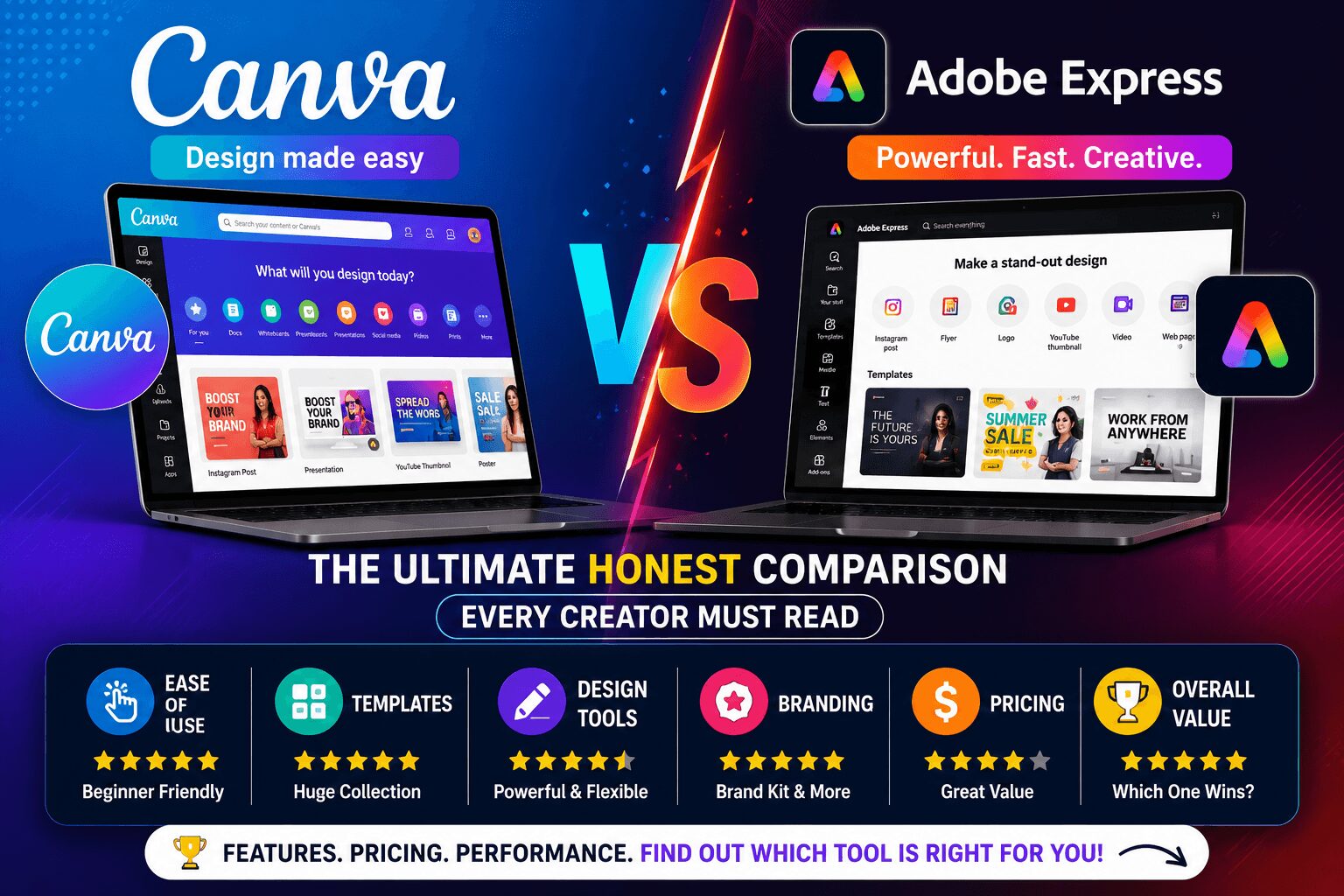
Canva vs Adobe Express — The Ultimate Honest Comparison Every Creator Must Read
Canva vs Adobe Express — it’s one of the most searched design tool comparisons on the internet right now, and for good reason.
Both tools promise to make professional graphic design accessible to non-designers. Both have free plans. Both are packed with templates, AI features, and a growing library of assets. And both are genuinely good at what they do.
So which one should you actually use?
That depends entirely on who you are, what you create, and how much you’re willing to spend. This comparison breaks everything down honestly — no brand bias, no affiliate spin. Just a clear, practical verdict that helps you make the right call for your creative workflow in 2026.
Let’s get into it.
Table of Contents
- Canva vs Adobe Express — A Quick Overview
- Interface and Ease of Use
- Templates and Design Assets
- AI-Powered Features — Who Does It Better?
- Canva vs Adobe Express Pricing Compared
- Brand Kit and Team Collaboration
- Exporting, Formats and Platform Support
- Full Feature Comparison Table
- Who Should Use Canva — And Who Should Use Adobe Express?
- Final Verdict
1. Canva vs Adobe Express — A Quick Overview {#overview}
Before diving deep, here’s the short version of what each tool actually is.
Canva launched in 2013 as a drag-and-drop design tool built for non-designers. Today it’s a full creative platform used by over 170 million people globally, according to Canva’s official newsroom. It covers everything from social media graphics to video editing, website building, and AI-generated content.
Adobe Express — formerly Adobe Spark — is Adobe’s answer to the growing demand for simple, fast design tools. It draws on Adobe’s decades of creative software expertise and connects directly with Adobe’s broader ecosystem, including Photoshop, Illustrator, and Adobe Stock.
Both are browser-based, mobile-friendly, and designed to help you create stunning visuals without a design degree. The differences, however, matter a lot depending on your use case.
2. Interface and Ease of Use {#interface}

This is where most people make their decision — and honestly, both tools have invested heavily in user experience.
Canva’s interface is widely regarded as one of the most intuitive in the industry. The dashboard is clean, the drag-and-drop editor feels natural within minutes, and the learning curve is almost flat. Even someone who has never opened a design tool in their life can produce something respectable in under 30 minutes.
Adobe Express has improved dramatically in recent years. Its interface is clean and modern — arguably more visually refined than Canva’s. However, first-time users sometimes find the workflow slightly less intuitive, particularly when switching between design formats or navigating the asset panel.
Winner: Canva — for pure beginner-friendliness and speed of adoption. Adobe Express is close, but Canva still edges ahead on intuitive usability.
3. Templates and Design Assets {#templates}
Templates are often the deciding factor for everyday creators — and this is where the gap between the two tools becomes more visible.
Canva offers over 610,000 templates across every imaginable format — social media posts, presentations, logos, videos, flyers, websites, email headers, and more. Its asset library includes 100+ million photos, videos, graphics, and audio tracks, largely powered by its Getty Images partnership.
Adobe Express offers a smaller but high-quality template library. The templates lean toward a more polished, editorial aesthetic — which some designers actually prefer. Adobe also provides access to thousands of Adobe Fonts and Adobe Stock assets, though the full Adobe Stock library requires an additional subscription.
Winner: Canva — sheer volume and variety of templates gives it a clear advantage, especially for creators producing content across multiple platforms.
4. AI-Powered Features — Who Does It Better? {#ai-features}

This is the most exciting battleground between the two tools in 2026 — and both have invested heavily in AI.
Canva’s Magic Studio includes:
- Magic Write — AI copywriting directly inside designs
- Magic Edit — Text-prompted photo editing and object replacement
- Magic Eraser — One-click background and object removal
- Magic Resize — Instantly repurpose any design for every platform
- Text to Image — Generate custom AI images inside Canva
- Magic Animate — Automatic animation of design elements
Adobe Express AI features include:
- Generative Fill (powered by Adobe Firefly) — Industry-leading AI image generation and editing
- Text to Image — Firefly-powered image generation with exceptional quality
- Remove Background — Clean, accurate background removal
- Text Effects — AI-generated typographic styles
- Generative Recolor — Instantly change colour themes across entire designs
Here’s the honest truth — Adobe Firefly’s AI image generation is technically superior to Canva’s. The output quality, detail, and prompt accuracy are noticeably better. However, Canva’s Magic Studio integrates more AI tools across more workflow steps, making it feel more seamlessly embedded in the design process.
Winner: Tie — Adobe Express wins on AI image quality. Canva wins on breadth and workflow integration of AI tools.
5. Canva vs Adobe Express Pricing Compared {#pricing}
This is where the two tools diverge most significantly — and pricing will be the deciding factor for many users.
Canva Pricing:
| Plan | Price | Key Features |
|---|---|---|
| Canva Free | $0/month | 250,000+ templates, 5GB storage, basic tools |
| Canva Pro | $15/month | 610,000+ templates, Brand Kit, Magic Studio, 1TB storage |
| Canva for Teams | $10/user/month | Everything in Pro + team collaboration tools |
Adobe Express Pricing:
| Plan | Price | Key Features |
|---|---|---|
| Adobe Express Free | $0/month | Limited templates, basic AI tools, Adobe Fonts |
| Adobe Express Premium | $9.99/month | Full template library, Adobe Stock, Firefly AI, Brand Kit |
| Creative Cloud All Apps | $59.99/month | Express + Photoshop, Illustrator, Premiere + all Adobe apps |
At first glance, Adobe Express Premium appears cheaper than Canva Pro. However, Canva’s free plan is considerably more generous — making it the better starting point for budget-conscious creators.
If you’re already paying for Adobe Creative Cloud for other tools, Adobe Express Premium comes included — making it effectively free for existing Adobe subscribers.
Winner: Depends on your situation. Budget beginners → Canva Free wins. Existing Adobe users → Adobe Express is the smarter choice.
6. Brand Kit and Team Collaboration {#brand-kit}
For businesses, agencies, and anyone managing a consistent visual identity — Brand Kit features matter enormously.
Canva’s Brand Kit (Pro and Teams) lets you store multiple brand colour palettes, fonts, and logos. Team members can apply brand assets instantly to any design, ensuring consistency across every piece of content produced.
Adobe Express Brand Kit (Premium) is similarly capable — store colours, logos, and fonts for consistent branding. It also integrates cleanly with Adobe’s broader Creative Cloud ecosystem, which is a genuine advantage for teams already using Photoshop or Illustrator in their workflow.
Winner: Tie — Both tools handle brand management well. Adobe Express has the edge for teams embedded in the Adobe ecosystem. Canva wins for standalone brand management simplicity.
7. Exporting, Formats and Platform Support {#export}
Canva supports exporting to PNG, JPG, PDF, SVG, MP4, GIF, and PPTX. Transparent PNG export requires a Pro subscription — a limitation worth knowing upfront.
Adobe Express supports PNG, JPG, PDF, and MP4. It also allows transparent background export on the free plan — a genuine advantage over Canva’s free tier.
Both tools work on desktop browsers, iOS, and Android. Canva also has a desktop app for Mac and Windows. Adobe Express integrates directly with other Adobe apps on desktop — a major plus for Adobe ecosystem users.
Winner: Adobe Express — transparent background export on the free plan is a meaningful practical advantage.
8. Full Feature Comparison Table {#comparison-table}
| Feature | Canva Free | Canva Pro | Adobe Express Free | Adobe Express Premium |
|---|---|---|---|---|
| Templates | 250,000+ | 610,000+ | Limited | Full library |
| AI Image Generation | Basic | Magic Studio | Basic Firefly | Full Firefly AI |
| Background Remover | ❌ | ✅ | ✅ | ✅ |
| Brand Kit | ❌ | ✅ Multiple | ❌ | ✅ |
| Transparent PNG Export | ❌ | ✅ | ✅ | ✅ |
| Storage | 5GB | 1TB | 2GB | 100GB |
| Adobe Stock Access | ❌ | ❌ | Limited | ✅ |
| Social Media Scheduler | ❌ | ✅ | ❌ | ❌ |
| Video Editing | Basic | ✅ | Basic | ✅ |
| Price | Free | $15/month | Free | $9.99/month |
9. Who Should Use Canva — And Who Should Use Adobe Express? {#who-should-use}
Choose Canva if you are:
- A complete beginner with no design background
- A social media manager creating high volumes of content daily
- A small business owner who needs a built-in content scheduler
- A blogger, YouTuber, or creator needing fast, versatile templates
- A team looking for an affordable, standalone brand management tool
Choose Adobe Express if you are:
- An existing Adobe Creative Cloud subscriber (Express comes included)
- A designer who values AI image quality over quantity of features
- Someone who needs transparent PNG export on a free plan
- A professional already working with Photoshop or Illustrator regularly
- A creator focused on typography-heavy, editorial-style designs
For broader context, check out our related guides on best design tools for content creators in 2026 and Canva Pro review — is the upgrade worth it in 2026? — both packed with in-depth, practical insights.
10. Final Verdict {#final-verdict}
So — Canva vs Adobe Express — which one actually wins?
For the majority of users — especially beginners, content creators, small business owners, and social media managers — Canva is the better overall choice. Its free plan is more generous, its template library is larger, its AI tools are more integrated, and its built-in scheduler adds genuine value.
Adobe Express is the smarter pick if you’re already in the Adobe ecosystem, you care deeply about AI image generation quality, or you need transparent exports without paying for a premium plan.
The honest truth? You don’t have to pick permanently. Both have free plans. Try both for a week and let your own workflow tell you which one feels right.
Most people who try Canva stick with Canva. Most designers already using Adobe stick with Adobe Express. And honestly — both are genuinely excellent tools that make design more accessible than ever before.
Was this Canva vs Adobe Express comparison helpful? Share it with a fellow creator — and drop a comment below telling us which tool you use and why you chose it.
Last updated: May 2026 | Reading time: ~8 minutes
Leave a Reply