

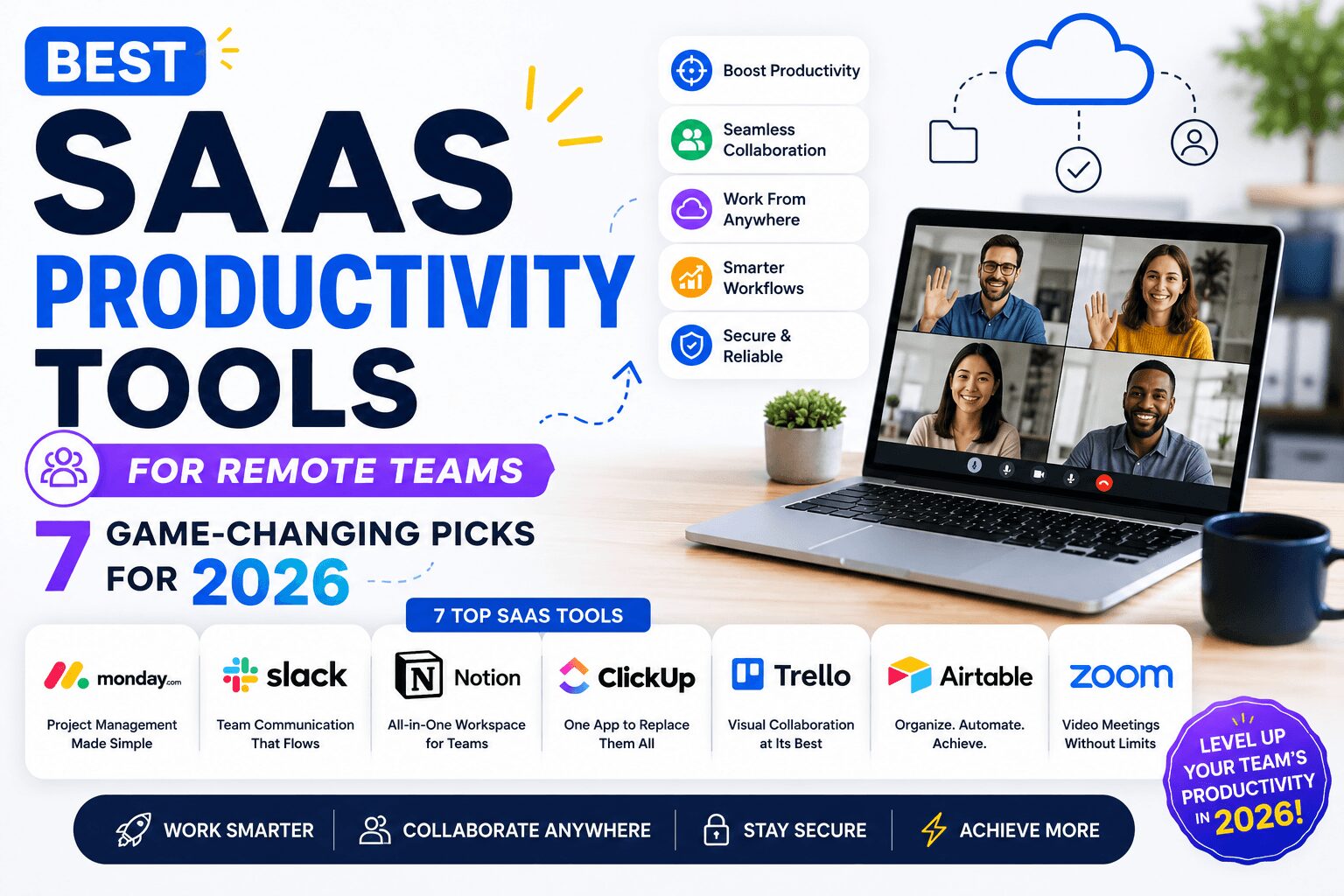
Best SaaS Productivity Tools for Remote Teams — 7 Game-Changing Picks for 2026
Finding the best SaaS productivity tools for remote teams is no longer optional — it’s survival.
Remote work isn’t a temporary trend anymore. In 2026, over 35% of the global workforce operates fully or partially remote, according to Buffer’s State of Remote Work Report. And while the freedom is real, so are the challenges — miscommunication, missed deadlines, scattered files, and Zoom fatigue are daily realities for distributed teams.
The right SaaS tools don’t just fix those problems. They transform how your team works together — across time zones, continents, and cultures.
This guide cuts through the noise. No generic lists. Just seven tools that genuinely move the needle for remote teams in 2026.
Table of Contents
- Why Remote Teams Need the Right SaaS Stack
- What to Look for in a Remote Productivity Tool
- Best SaaS Productivity Tools for Remote Teams — Top 7 Picks
- Notion
- Slack
- ClickUp
- Zoom
- Loom
- Toggl Track
- Miro
- Side-by-Side Comparison Table
- How to Build Your Remote Team’s SaaS Stack
- Final Thoughts
1. Why Remote Teams Need the Right SaaS Stack {#why-it-matters}
Let’s be honest — remote work with the wrong tools is a nightmare.
Emails get buried. Decisions get lost in group chats. No one knows who’s working on what. And by the time a project finally gets clarity, three deadlines have already passed.
The right SaaS productivity tools create structure where chaos would otherwise live. They give your team a shared workspace, a single source of truth, and the kind of visibility that makes remote management actually manageable.
More importantly — they save time. And for remote teams, time saved is money earned.
2. What to Look for in a Remote Productivity Tool {#what-to-look-for}
Before spending a single dollar, filter every tool through these five questions:
Does it work asynchronously? Remote teams span time zones. Your tools must support async workflows — not just real-time communication.
Is it easy to onboard? If your team needs a two-week training course to use a tool, it’s already failing.
Does it integrate with your existing stack? Siloed tools create more friction, not less. Look for native integrations.
Is it scalable? A tool that works for a team of five should also work when you grow to fifty.
What’s the pricing model? Per-seat pricing can get expensive fast. Always calculate the true cost at your current team size.
With those filters in mind, here are the seven best SaaS productivity tools for remote teams right now.
3. Best SaaS Productivity Tools for Remote Teams — Top 7 Picks {#top-picks}
🟤 Notion — Best All-in-One Workspace for Remote Teams

Notion is the closest thing to a remote team’s digital headquarters. It combines notes, wikis, project databases, and team docs into one beautifully designed platform — eliminating the need for four or five separate tools.
Remote teams love it because everything lives in one place. Onboarding documents, meeting notes, product roadmaps, SOPs — all searchable, all organised, all accessible from anywhere in the world.
Standout features: Customisable databases, team wikis, project templates, AI writing assistant.
Free plan: Yes — for individuals and small teams Paid plans: From $10/user/month
🔵 Slack — Best for Real-Time Team Communication
If your remote team is still relying on email threads for internal communication, Slack will feel like a revolution.
Channels keep conversations organised by project, department, or topic. Direct messages replace endless email chains. And with 2,600+ integrations, Slack connects with almost every other tool in your stack — from GitHub to Google Drive to ClickUp.
Standout features: Organised channels, voice/video huddles, workflow automation, searchable message history.
Free plan: Yes — limited message history Paid plans: From $7.25/user/month
🟢 ClickUp — Best Project Management Tool for Remote Teams

ClickUp is what happens when a project management tool refuses to compromise. It’s packed with features — tasks, goals, time tracking, Gantt charts, whiteboards, docs, and more — all inside one platform.
For remote teams juggling multiple projects across multiple clients, ClickUp brings a level of visibility and accountability that’s hard to match.
Standout features: Custom task views (list, board, Gantt, calendar), goal tracking, automations, time tracking.
Free plan: Yes — generous free tier Paid plans: From $7/user/month
🔴 Zoom — Best for Video Meetings and Webinars
Yes, Zoom is still the gold standard for remote video communication in 2026 — and it keeps evolving. AI-powered meeting summaries, smart notes, and background noise cancellation have made it dramatically better than the early pandemic version most people remember.
Whether it’s a daily standup, a client presentation, or a company-wide all-hands, Zoom delivers reliable, high-quality video every time.
Standout features: AI meeting summaries, breakout rooms, webinar hosting, whiteboard collaboration.
Free plan: Yes — 40-minute limit on group meetings Paid plans: From $15.99/user/month
🟡 Loom — Best for Async Video Communication
Here’s a tool that doesn’t get enough credit — Loom is one of the most underrated SaaS productivity tools for remote teams, period.
Instead of scheduling a meeting to explain something, you record a quick video, share the link, and your teammate watches it when they’re ready. No calendar coordination. No time zone headaches. Just clear, human communication — asynchronously.
It’s especially powerful for giving feedback, recording tutorials, or walking a client through a deliverable.
Standout features: Screen + camera recording, viewer engagement analytics, AI-generated summaries and titles.
Free plan: Yes — up to 25 videos Paid plans: From $12.50/user/month
⚫ Toggl Track — Best for Time Tracking and Productivity Visibility
Remote team managers often struggle with one painful question: is my team actually productive, or just busy?
Toggl Track answers that honestly. It’s the simplest, cleanest time-tracking tool available — team members log hours against projects and tasks, and managers get clear reports on where time is actually going.
It’s not about micromanagement. It’s about understanding capacity, preventing burnout, and billing clients accurately.
Standout features: One-click time tracking, project profitability reports, team dashboard, idle detection.
Free plan: Yes — up to 5 users Paid plans: From $9/user/month
🟣 Miro — Best for Visual Collaboration and Brainstorming
Remote brainstorming sessions used to be painful — people talking over each other on a video call with no shared visual space. Miro fixes that completely.
It’s an infinite digital whiteboard where remote teams can brainstorm, map out user flows, run retrospectives, plan sprints, and collaborate visually in real time — regardless of where in the world they’re sitting.
Standout features: Infinite canvas, 2,500+ templates, sticky notes, voting sessions, Agile retrospective tools.
Free plan: Yes — up to 3 boards Paid plans: From $8/user/month
4. Side-by-Side Comparison Table {#comparison}
| Tool | Best For | Free Plan | Starting Price |
|---|---|---|---|
| Notion | All-in-one workspace | ✅ Yes | $10/user/month |
| Slack | Team communication | ✅ Yes | $7.25/user/month |
| ClickUp | Project management | ✅ Yes | $7/user/month |
| Zoom | Video meetings | ✅ Yes (40-min limit) | $15.99/user/month |
| Loom | Async video messaging | ✅ Yes (25 videos) | $12.50/user/month |
| Toggl Track | Time tracking | ✅ Up to 5 users | $9/user/month |
| Miro | Visual collaboration | ✅ Up to 3 boards | $8/user/month |
5. How to Build Your Remote Team’s SaaS Stack {#build-your-stack}
You don’t need all seven tools from day one. Here’s a practical, phased approach:
Phase 1 — Foundation (Start Here) Pick one communication tool and one project management tool. For most teams: Slack + ClickUp or Slack + Notion. These two categories cover 80% of your daily remote work needs.
Phase 2 — Collaboration Add Zoom for meetings and Loom for async updates. This combination dramatically reduces unnecessary meetings while keeping communication human and clear.
Phase 3 — Optimisation Once your team is settled, layer in Toggl Track for time visibility and Miro for creative sessions and planning workshops.
The goal isn’t to use more tools — it’s to use the right ones. Every tool you add should eliminate friction, not create it.
For more practical guidance, check out our related posts on how to manage a remote team effectively and top digital tools every online business needs in 2026.
6. Final Thoughts {#final-thoughts}
The best SaaS productivity tools for remote teams in 2026 all share one purpose — they make distance feel irrelevant.
When your team has the right tools, it doesn’t matter if one person is in Lagos, another is in Berlin, and your project manager is in Bangkok. Work flows. Deadlines are met. And people actually enjoy working together.
Start lean. Pick the tools that solve your biggest pain points first. Then build from there.
Your remote team deserves a setup that works as hard as they do.
Did this guide help you? Share it with your remote team lead or drop a comment below — we’d love to know which tools your team swears by.
Last updated: May 2026 | Reading time: ~7 minutes
Leave a Reply